YouTube Shorts Cover Size: 1080 × 1920 and Safe Zones
YouTube Shorts cover size is 1080 × 1920 in 9:16. Here is what the interface covers, where to place the text, and how custom Shorts thumbnails work now.
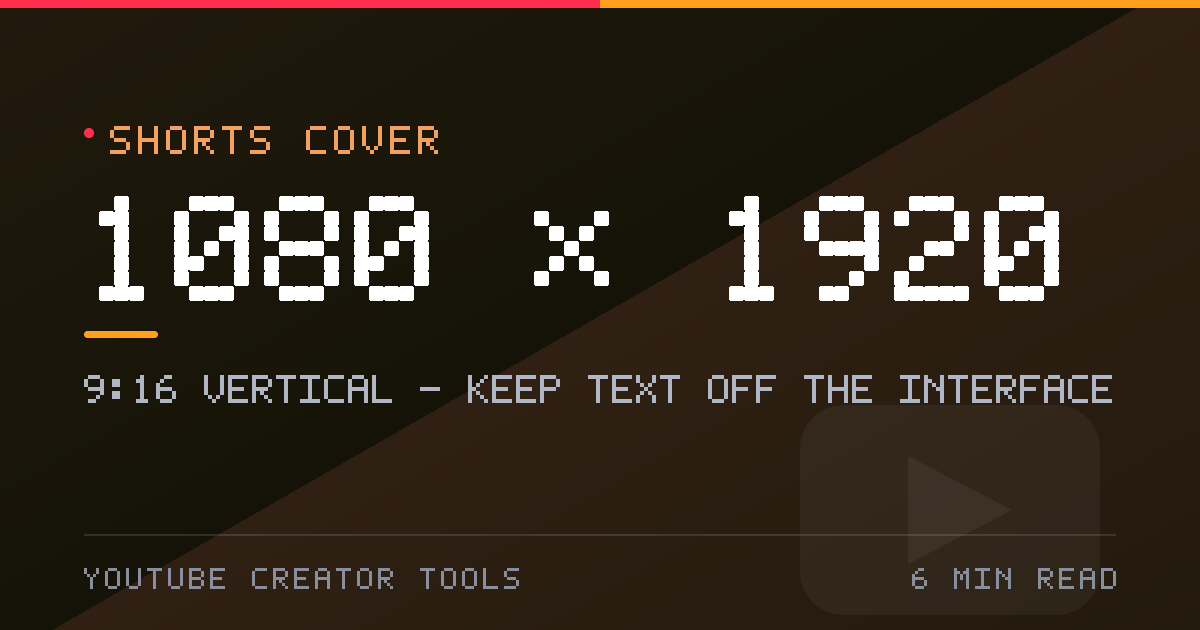
A Short is 1080 × 1920 in 9:16 vertical, and almost every surface that shows it is smaller than that. The frame your viewer actually sees has the caption, channel name and action buttons painted over it. Knowing which pixels are covered is the difference between a cover that reads and one that does not.
What size is a YouTube Shorts cover?
Design vertical at 1080 × 1920 px (9:16), which is the standard resolution every phone fills. YouTube's own recommendation for a custom Shorts thumbnail is 2160 × 3840 (4K vertical) with a minimum height of 640 px, and it accepts JPG or PNG. A landscape 1280 × 720 thumbnail has to be cropped or letterboxed into a vertical slot, which throws away most of the composition.
Can you upload a custom Shorts thumbnail?
Three options exist today:
- Any frame from the video, selected in the mobile app.
- Three suggested frames in YouTube Studio on a desktop browser.
- A custom upload, opened to Partner Program creators and rolling out more broadly. Custom Shorts thumbnails are uploaded from Studio on a computer — the mobile app cannot add one.
If you cannot see the upload option, you still have the frame picker. Shoot with a still in mind: a moment with a clear face and a legible middle third works as a cover whether or not you ever get the upload button.
Shorts safe zones: the pixels the interface covers
| Zone | Approximate size | What sits there |
|---|---|---|
| Top ~15% | about 225 px | channel name, caption text, search and camera icons |
| Right rail | about 150 px | like, comment, share and remix stack |
| Bottom ~30% | about 575 px | title, description, hashtags and progress bar |
| Centre 60–70% | roughly 1080 × 1150 | the only reliably visible region |
Keep faces, logos and any text overlay inside the middle two thirds. The overlay position shifts slightly between app versions, so leave extra room rather than designing to the pixel.
Shorts cover versus Short canvas
These are different things and the confusion is expensive. The canvas is your video: 1080 × 1920, MP4 with H.264 video and AAC audio, up to three minutes since October 2024. The cover is the still image that represents it on your channel grid, in search, and in external link previews. A 16:9 image is not a vertical cover turned sideways — you gain height and lose width, so stack the composition rather than spreading it.
The first frame is the real thumbnail
In the Shorts feed there is no static image: the video starts playing as the viewer scrolls. What stops the scroll is frame one. Build the opening shot as if it were the cover, with one focal point and no more than two or three words of text. In a vertical tile at browse size, a second focal point is noise.
External link previews are the exception. They often crop to 16:9 or 4:5, so keep the subject in the horizontal centre and do not rely on the top sixth of the frame.
Shorts cover checklist
- Canvas 1080 × 1920 at 9:16; custom thumbnail ideally 2160 × 3840
- JPG or PNG, uploaded from Studio on a computer
- Text inside the middle 60–70% of the frame, clear of the right rail
- One focal point, two or three words maximum
- Subject centred horizontally so link-preview crops do not cut it
Build the frame in the Shorts cover maker, which draws the same overlays you can check against. Related: long-form thumbnail size.