YouTube Profile Picture Size: 800 × 800 and Circle Crop
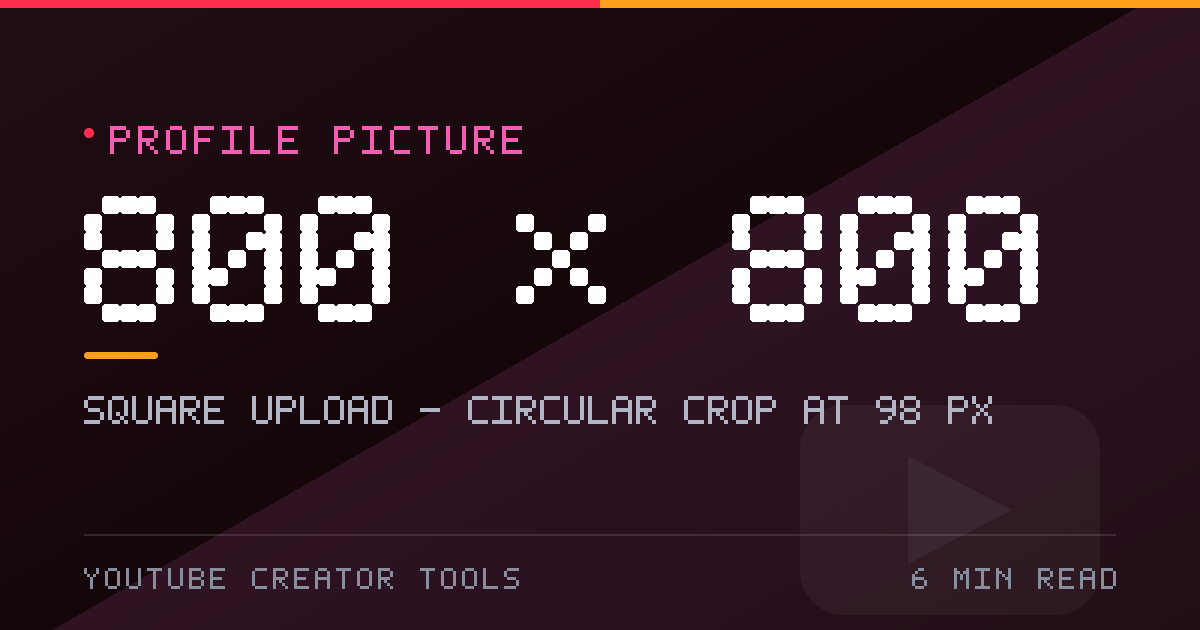
YouTube profile picture size is 800 × 800, cropped to a circle and shown at 98 px. Here is how to design and export a channel photo that survives that crop.
The profile picture is the smallest image on your channel and the easiest to get wrong. It is uploaded as a square and displayed as a circle, at a size most people never think about. Design for the circle and it works everywhere.
What size should a YouTube profile picture be?
800 × 800 pixels, 1:1 aspect ratio. That is the standard YouTube profile picture size, and it is square regardless of what you see on the page, because the display masks it into a circle.
Profile picture specifications
| Specification | Value |
|---|---|
| Upload size | 800 × 800 px (1:1) |
| Displayed size | 98 × 98 px beside videos, comments and channel name |
| Shape | Circle. The corners of your square file are discarded |
| Minimum | 98 × 98 px in practice — anything smaller looks soft on retina screens |
| Formats | JPG, PNG, GIF, BMP. PNG for logos with transparency |
| File size | Published figures range from 4 MB to 15 MB; staying under 4 MB is always safe |
Designing for the circle crop
Only the inscribed circle is ever visible. That means the four corners of your square are wasted space and, worse, a trap for anything important.
- Keep the face or logo mark inside the central 80% of the square.
- Leave the outer ring as background. A wordmark that touches the edge will be sliced at the sides.
- Aim for one large subject. At 98 px there is room for a face or a wordmark, not both.
- Test the thumbnail case: how does it read at 40 px beside a video title on a phone?
How small it really appears
Beside every video title, in every comment, on the channel header, and in the mobile subscriber list, your avatar renders at roughly 98 × 98 CSS pixels — around 196 device pixels on a retina phone, which is exactly why an 800 × 800 source is the right one. A 200 × 200 upload looks fine on desktop and visibly soft on a modern phone.
Face, logo or wordmark?
- Face: crop to the top of the head and mid-chest, centred, with a plain background. Hair and shoulders fill the circle naturally.
- Logo: one mark, generous internal padding, transparent PNG so it sits on the light or dark theme cleanly.
- Wordmark: readable at 40 px, which usually means three or four words maximum and a heavier weight than feels necessary.
Google account sync
If your channel uses a Google account avatar, changing the YouTube channel picture changes the Google account picture to match. Know that before you swap it, and upload something you are happy to see across every Google surface.
Common profile picture mistakes
- Wide wordmarks stretched to fill the square — they are cut on the left and right by the circle.
- Fine detail: thin strokes, gradients or hairlines that vanish at 98 px.
- Low contrast between the subject and the background once the theme changes.
- Upscaling a small logo until the edges break up. Design at 800 × 800 instead.
How to make one in your browser
- Open the profile picture maker.
- Upload a square photo or start from a blank 800 × 800 canvas.
- Check the circular preview and the 40 px thumbnail preview before exporting.
- Export as PNG for a logo, or JPG at 90% for a photograph.
Profile picture checklist
- 800 × 800 px, square, sRGB
- Subject centred inside the circle, with 10% padding all round
- Legible at 40 px
- Works on both the light and dark themes
Related reading: banner safe areas and resizing images to YouTube sizes.