YouTube Description SEO: What Actually Helps Rankings
YouTube description SEO that works: the 5,000-character limit, chapter timestamps that build a real chapter list, keywords worth writing, and myths to ignore.
Description SEO advice is full of rules that were once true, or never were. Here is what the field actually does for rankings and search, separated from what it does not, with the current limits.
What YouTube reads: the description SEO that actually matters
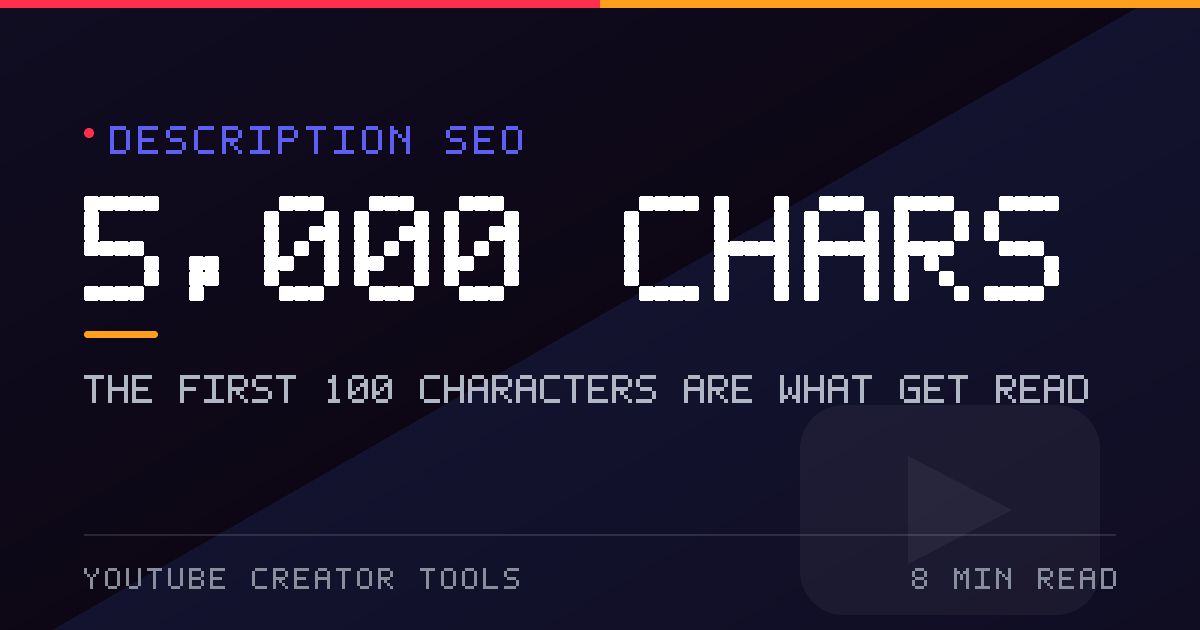
- The first 100–150 characters. The only part most viewers read before deciding to stay. On Shorts, only the first 100 characters appear above the fold.
- Chapter timestamps. Written correctly, they produce an interactive chapter list in the player.
- Plain-language context. A description of what is on screen helps YouTube understand the video. It is not a keywords field.
- One labelled link. Placed where you expect people to look for it.
The 5,000-character limit
| Field | Limit | Visible |
|---|---|---|
| Description | 5,000 characters | First 2–3 lines on desktop, first 100 characters on Shorts |
| Title | 100 characters | About 70 in search results |
| Tags field | 500 characters total | Hidden metadata |
| Single tag | about 30 characters | Hidden metadata |
| Hashtags | 15 maximum, all ignored beyond that | Top 3 shown above the title |
Most creators write 200–500 characters. The ceiling is generous; there is nothing to gain from filling it.
How to write chapter timestamps that work
Chapters improve navigation, and with three or more of them YouTube shows an interactive list in the player. The rules are strict and all four must hold:
- The first timestamp must be 0:00.
- At least three chapters, listed in order.
- Each chapter at least 10 seconds long.
- Format is 0:00 Introduction — time, space, short label.
Keep labels to five or six words. The list is read on a phone, where long labels get truncated. The description generator builds the block in the right order and can re-time the list when you change the video length.
Where keywords belong in a description
Write about the topic in plain sentences. Your main term should appear in the opening paragraph because that text is both read by humans and used for context — but repeating a phrase twenty times gains nothing and reads as spam to the people who do read it. The title carries the keyword for search; the description confirms the topic and adds detail.
A description structure that works
- Hook (first 100 characters): what the video is and who it is for.
- Summary: two or three sentences on the outcome.
- Chapters: timestamps, for anything longer than a few minutes.
- Link: one primary link, labelled.
- One call to action: subscribe, comment, or watch next — pick one.
- Hashtags: 3 to 5, in one block at the end.
Scaffold it with the generator, then rewrite it in your own voice. A template is a starting point, not a voice.
Common description mistakes
- Link farms at the top, pushing the hook out of view.
- Timestamps with no 0:00 entry, so no chapter list appears at all.
- Hashtags scattered through the sentences instead of in one block.
- Five calls to action, none of which reads as primary.
- A transcript pasted in as filler. A real transcript belongs in the captions, where it is indexed properly.
Related reading: hashtag limits and title length and keywords.